How-To Book a Golf Cart ONLINE
Below are the steps on how to book golf carts!
How-To Make a Golf Cart Reservation ONLINE
Website
Visit www.koa.com
Destination: Port Huron, Michigan
Click RESERVE when Port Huron KOA Resort pops up!
Ways to Stay: select Other Sites
Check In: select the date that you are using the Golf Cart
Check Out: the next day (the day that the cart will become available to rent again)
Adults: select 1
With Pets: select either option (it does not matter which)
Equipment Type: select either option (it does not matter which)
Click NEXT
** If you are a Rewards Member – you do not need to enter your number – you cannot use the Rewards card on a golf cart rental**
Two options will show up for you to select:
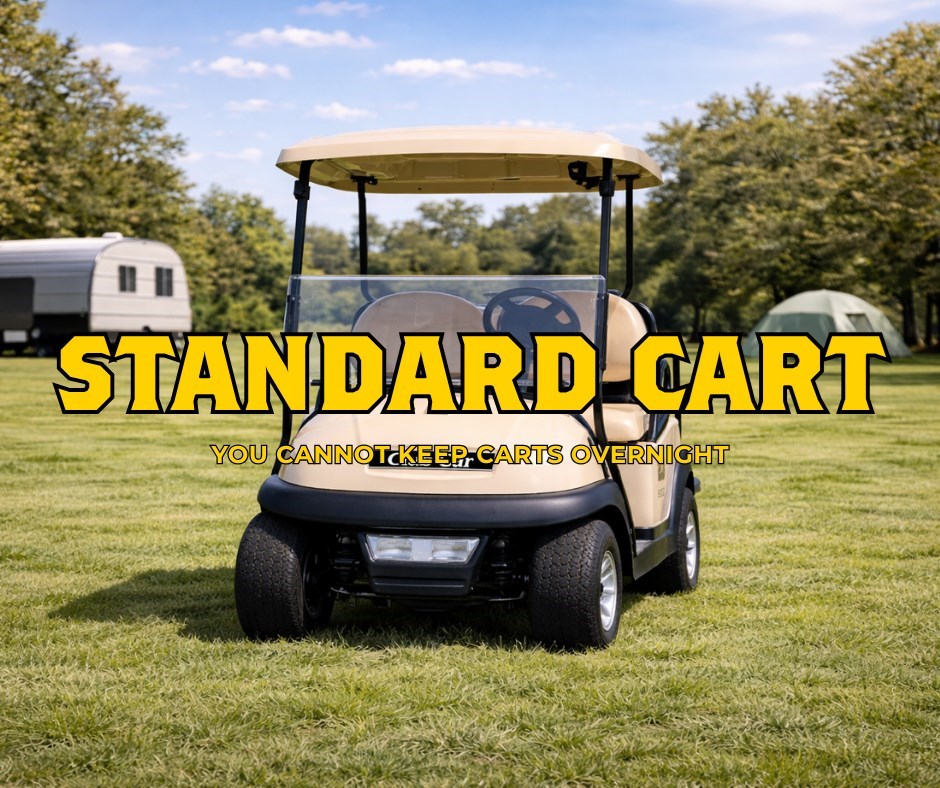
- Standard Carts
- Our original fleet of carts.
- Pick-Up is 10:00am and turn in is 8:00pm (unless otherwise specified during Halloween weekends)
- Premium Carts
o New carts with more comfortable seating and driving capabilities.
o Pick-up is 9:30am and turn in 8:00pm (unless otherwise specified during Halloween weekends)
Ignore the error message that says that Pets are not allowed on the available sites.
Golf Cart Rules/Policies
- All golf carts are due back at 8:00pm – no exceptions (unless the campground has specified a change in times due to Halloween weekends)
- You MUST be 18 or older with a valid driver’s license on file to drive the golf carts.
- You MUST fill out a golf cart contract before or when you are picking up your rental for the day. All driver’s must provide there license to be copied and receive a wristband to drive the golf cart.
- NO ALCOHOL ON THE GOLF CARTS AT ANY TIME – NO EXCEPTIONS
- Everyone on the golf carts must be seated – no riding on laps, no standing, no kneeling.
- Off-roading of any kind if prohibited. This does include driving on the grass, bike or hay-wagon trails, through campsites and on hills. You must stay on paved or gravel roads. Failure to do so will result in an immediate loss of the golf cart.
- The renter is responsible to ensure that additional drivers are wrist-banded. The renter is responsible for the cart and any damage to the cart, personal property of persons.
- The key must be removed when not in use.
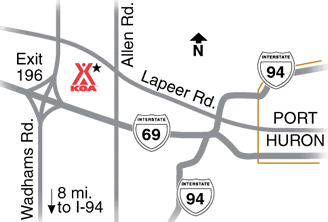
- The cart must stay on the campground property – see Site Map!
- You should inspect the golf cart and notify staff immediately if you notice any issues with the golf cart before driving the cart away from the Sports Court.
- Exceeding the weight limit can result in loss of power of the cart.
- We do not issue warnings – therefore – any of these violations will result in an immediate confiscation of the cart and NO REFUND will be given due to confiscation.
For any questions regarding golf cart rentals please call 810-987-4070 or email us at [email protected]!